Building Outflow: How I Approached Product Decisions, UX and Technical Constraints for an Expense Tracking PWA
Most college projects end up sitting in a GitHub repo, never opened again after submission. I didn't want that for mine. I wanted to build something people could actually use. That decision became Outflow, an expense tracking app that turned into my first real lesson in product thinking, UX, technical trade-offs, and, without me realizing it at the time, project management.
Why I Built an Expense Tracking App
In college, I lived on a limited pocket money budget, and every rupee mattered. Before Outflow, I tracked expenses the old way: a notebook, then a notes app, then manual calculations at the end of the month. I forgot to log expenses constantly, and by the time I sat down to calculate, half the numbers were guesses.
That gap between needing to track spending and actually doing it consistently was the real problem. A simple, reliable expense tracker for students like me wasn't a nice-to-have. It was necessary.
From Managing My Own Expenses to Identifying a Product Problem
The idea for Outflow didn't come from a brainstorm. It came from friction in my own routine. Once I recognized the pattern, forgetting entries, dreading manual calculations, I saw it as more than a personal annoyance. It was a product problem worth solving.
Why I Chose a Progressive Web App Instead of Another College Project
Most of my classmates were building websites, Flutter apps, or in some cases, relabeling someone else's work as their own. I wanted to do something different: build a product that actually worked, not just a submission.
I also didn't want to limit myself to one platform. A Progressive Web App let Outflow run smoothly across mobile, desktop, and tablet without maintaining separate codebases. It was the one format that could reach students on their phones and still work just as well on a laptop.
Building Something People Could Actually Use
Choosing a PWA was a deliberate bet on accessibility over convention. It meant more people could open Outflow without downloading anything, which mattered more to me than following the same route as everyone else in class.
Designing Outflow: Turning an Idea Into a Usable Product
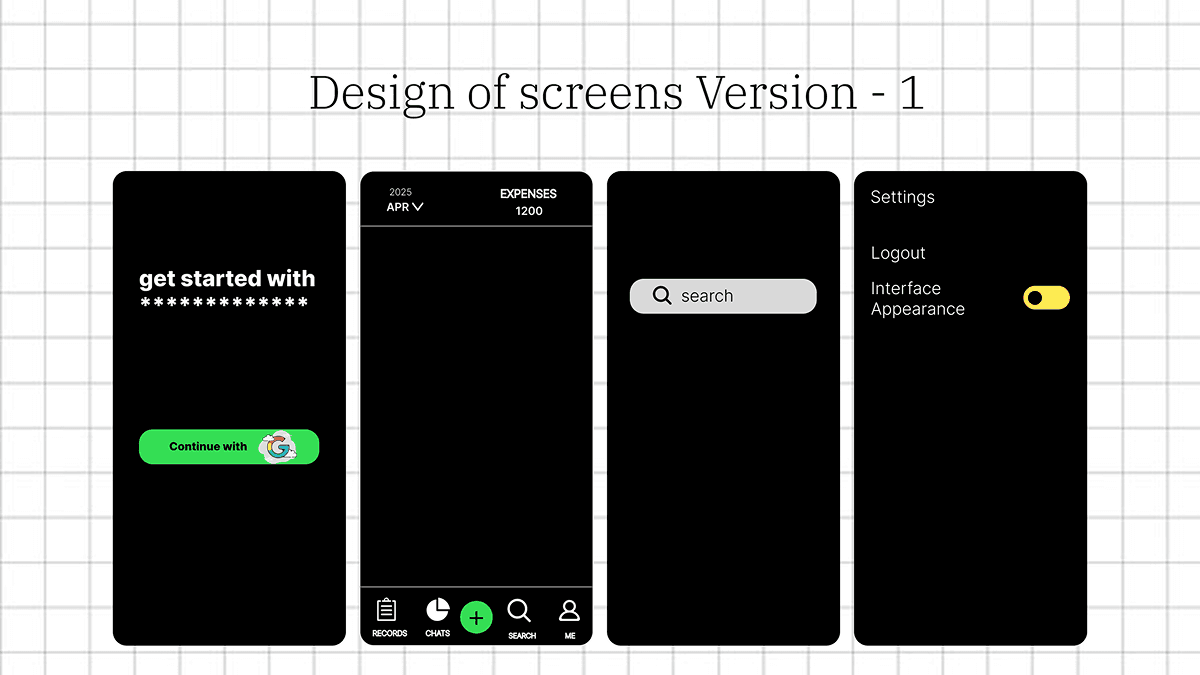
I had a rough idea of how Outflow should look, but I didn't know how to visualize it. That's when I explored Figma for the first time. I started small, designing the sign-in page first, then building out the rest of the screens as my understanding of the product grew.
My First Experience With UX and Figma
I wasn't an experienced designer going in. Figma was new to me, and the early designs were rough. But that process taught me how to translate an idea in my head into something a user could actually interact with.
Choosing the Technology Stack Under Real Constraints
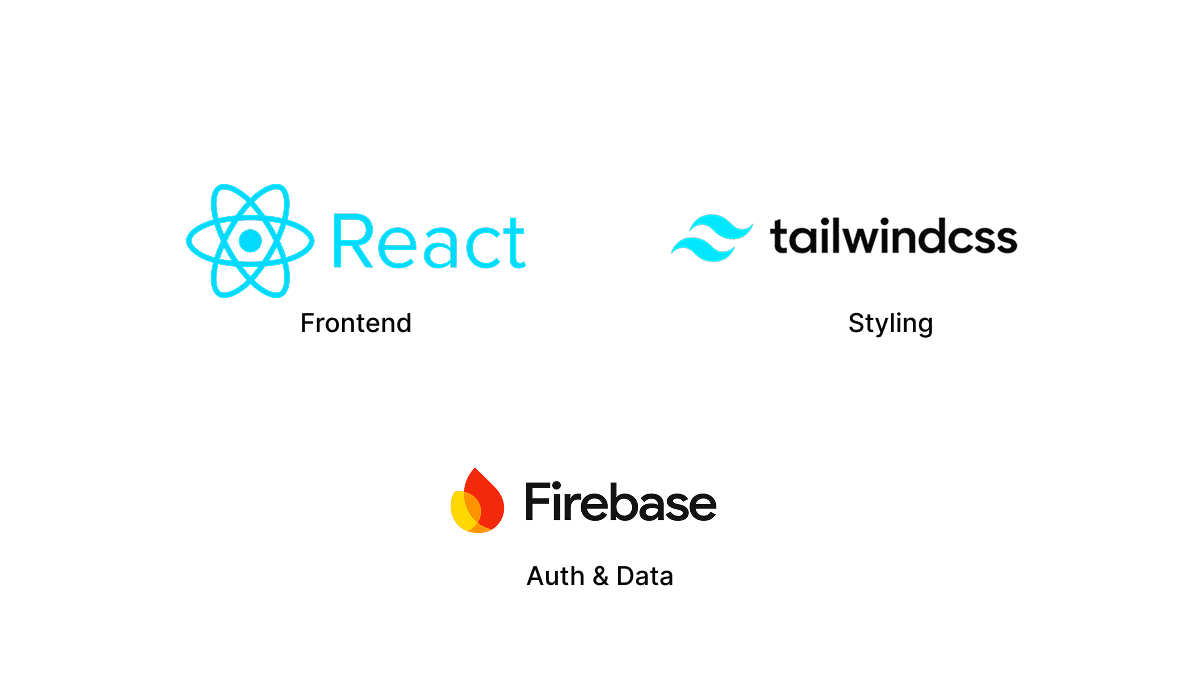
With the design ready and a tight project timeline, I needed a stack I could learn and implement quickly without compromising performance. After research, I settled on React.js, Tailwind CSS, and Firebase with Firestore.
Why React, Tailwind CSS and Firebase?
React and Tailwind let me move fast on the frontend without reinventing styling decisions. Firebase and Firestore gave me authentication and a database without building backend infrastructure from scratch, which mattered given how limited my timeline was. Every technical choice was made to support the product, not to show off a technology.
Designing the Experience Around the User
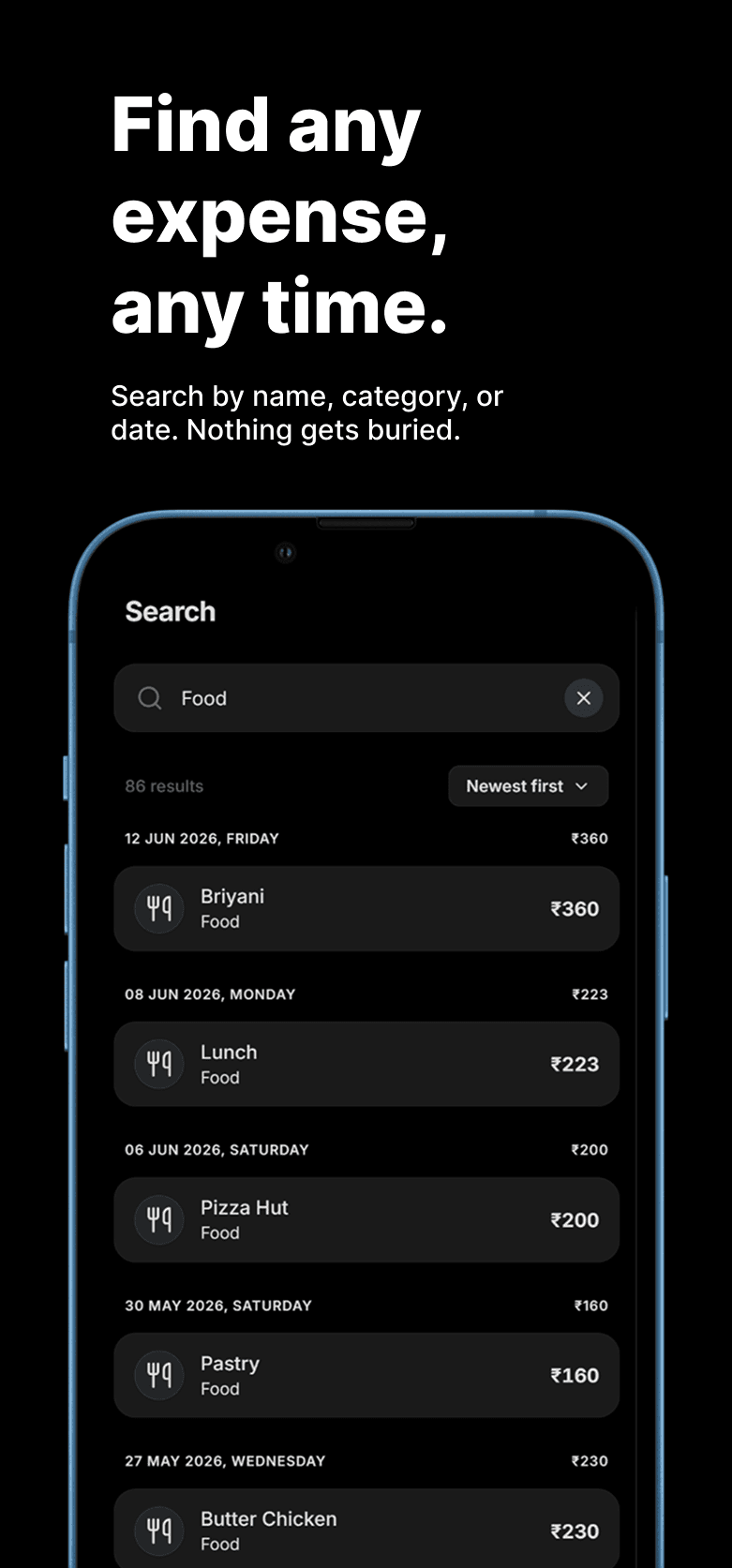
UX was the priority from day one. Outflow needed to work for a teenager tracking pocket money and for someone in their 60s tracking household expenses. To get there, I studied existing expense trackers in the market and noticed recurring problems: cluttered interfaces, long processes to log a simple expense, and features most users never touch.
Making Expense Tracking Simple Instead of Feature-Heavy
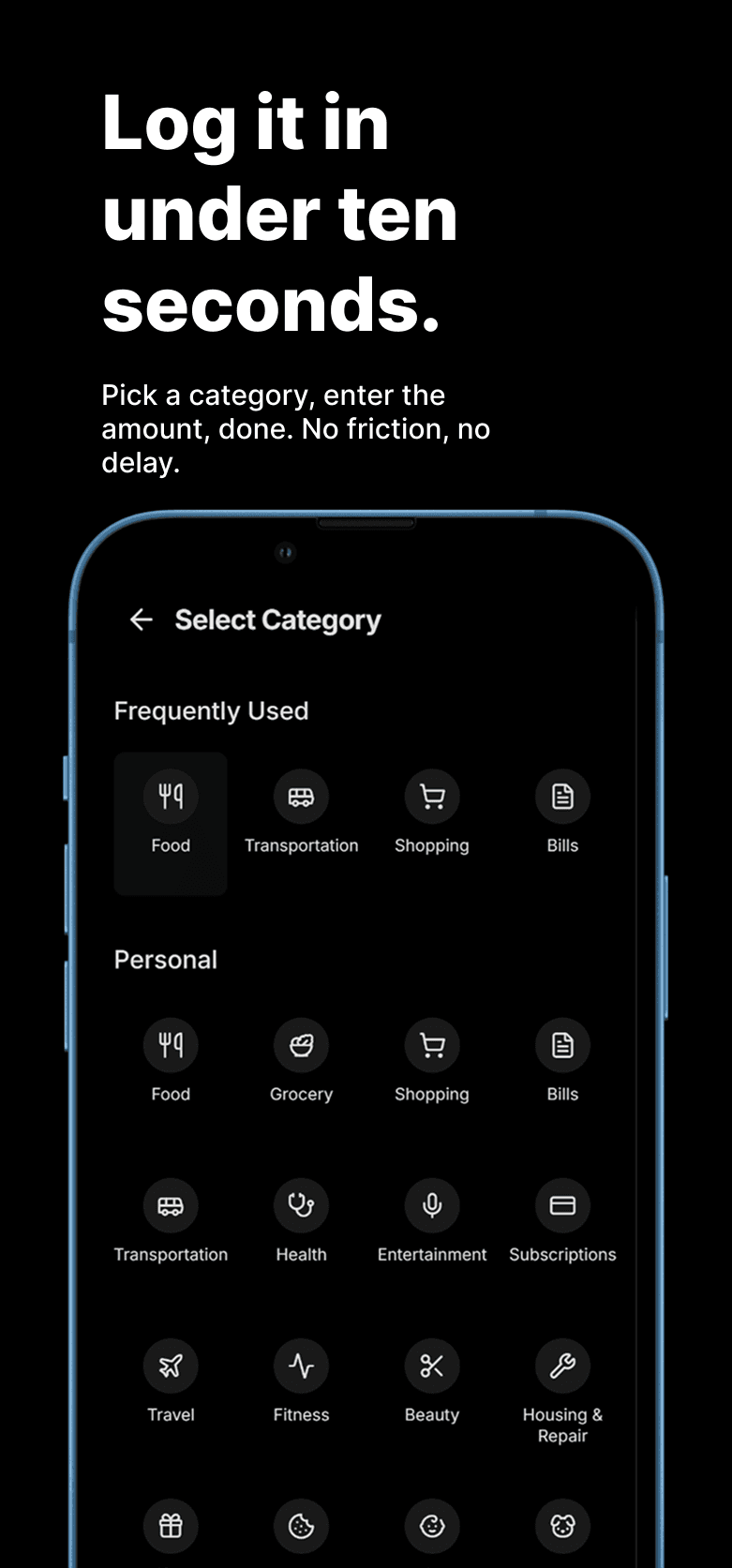
I focused on cutting friction from the core action, logging an expense, rather than adding modules that looked impressive but added complexity. Simplicity was the feature.
Testing Outflow Across Devices, Users and Security
A PWA meant Outflow had to work reliably across mobile, desktop, and tablet, including older devices where UI breaks easily. Testing covered responsiveness, functionality, and usability. Security testing mattered just as much: making sure no API keys were exposed and that user data stayed protected through Firebase.
How Testing Shaped My Next Step Into QA
This hands-on testing experience turned out to be more valuable than I expected. It directly contributed to landing my internship as a Quality Analyst Intern at Vistaar Digital.
Deploying Outflow and Learning From Real Users
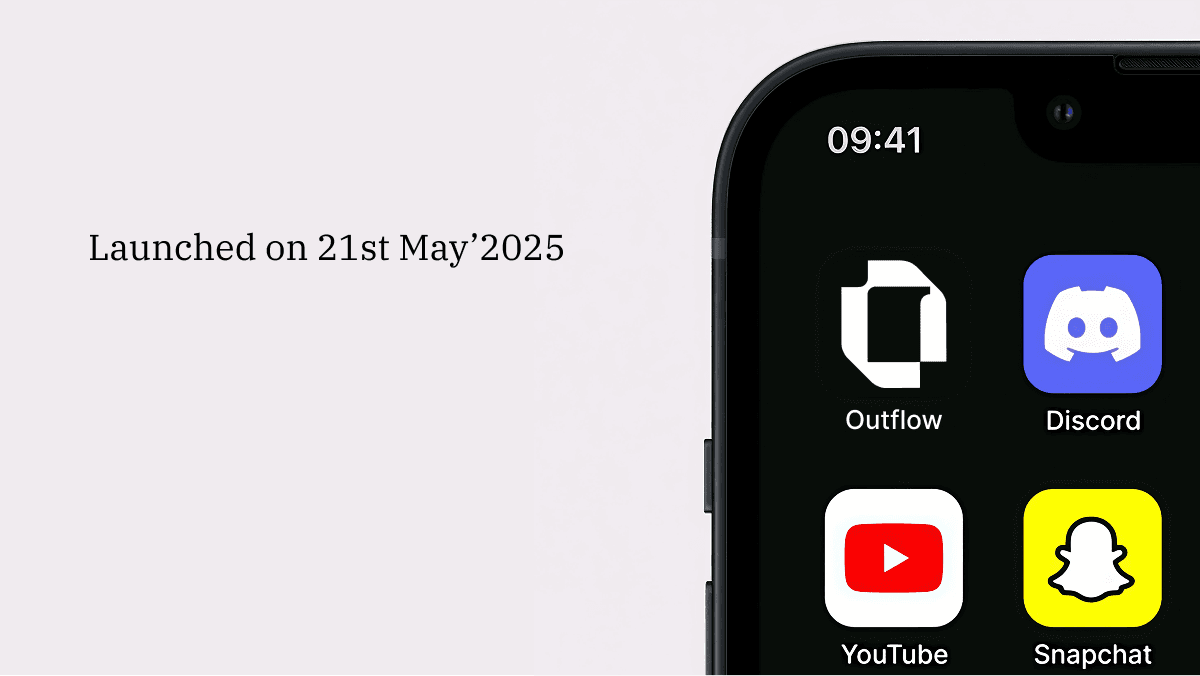
I deployed Outflow on Vercel, which made the process simple for a beginner. Once real users started using it, the feedback was mostly positive, along with a few practical feature requests that helped me think about what to improve next.
From College Project to a Real Product
Shipping the product was only the start. User feedback showed me that building is never really finished, it evolves based on how people actually use what you made.
What Building Outflow Taught Me
This project taught me that a product starts with a real problem, not a technology choice. Technology should support the product, not dictate it. UX matters as much as functionality, constraints force better decisions, and testing is part of development, not an afterthought.
It also taught me project management, before I had a name for it. I was the one owner of scope, timeline, and priorities, deciding what shipped and what got cut, sequencing design before development, and holding the whole thing together against a fixed deadline. That's the same core of what I do now as a project manager: coordinating moving parts, protecting the timeline, and keeping decisions tied to the end user instead of convenience. Most of all, Outflow showed me how much I still had to learn.
The Whole Picture
Frequently Asked Questions
What is Outflow?
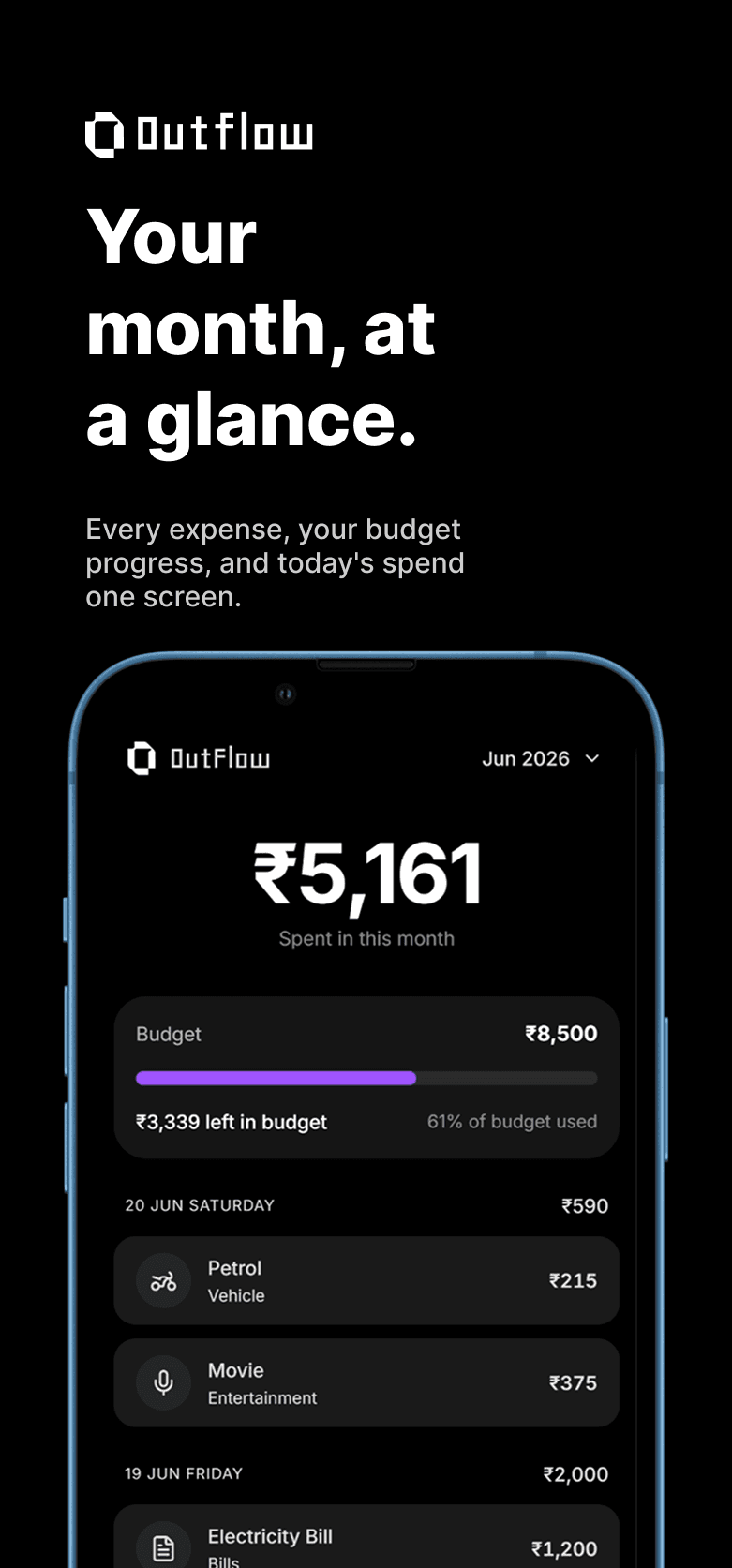
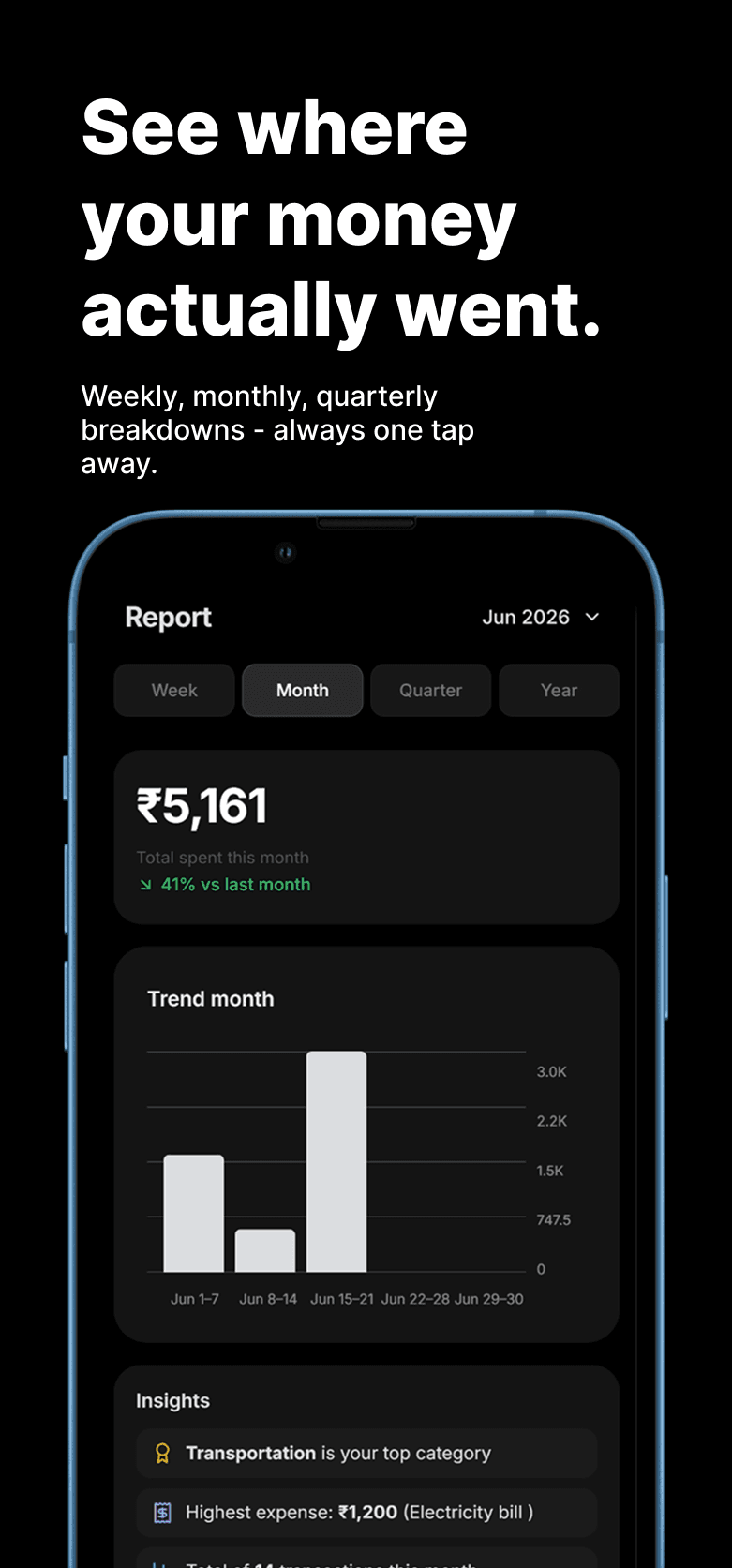
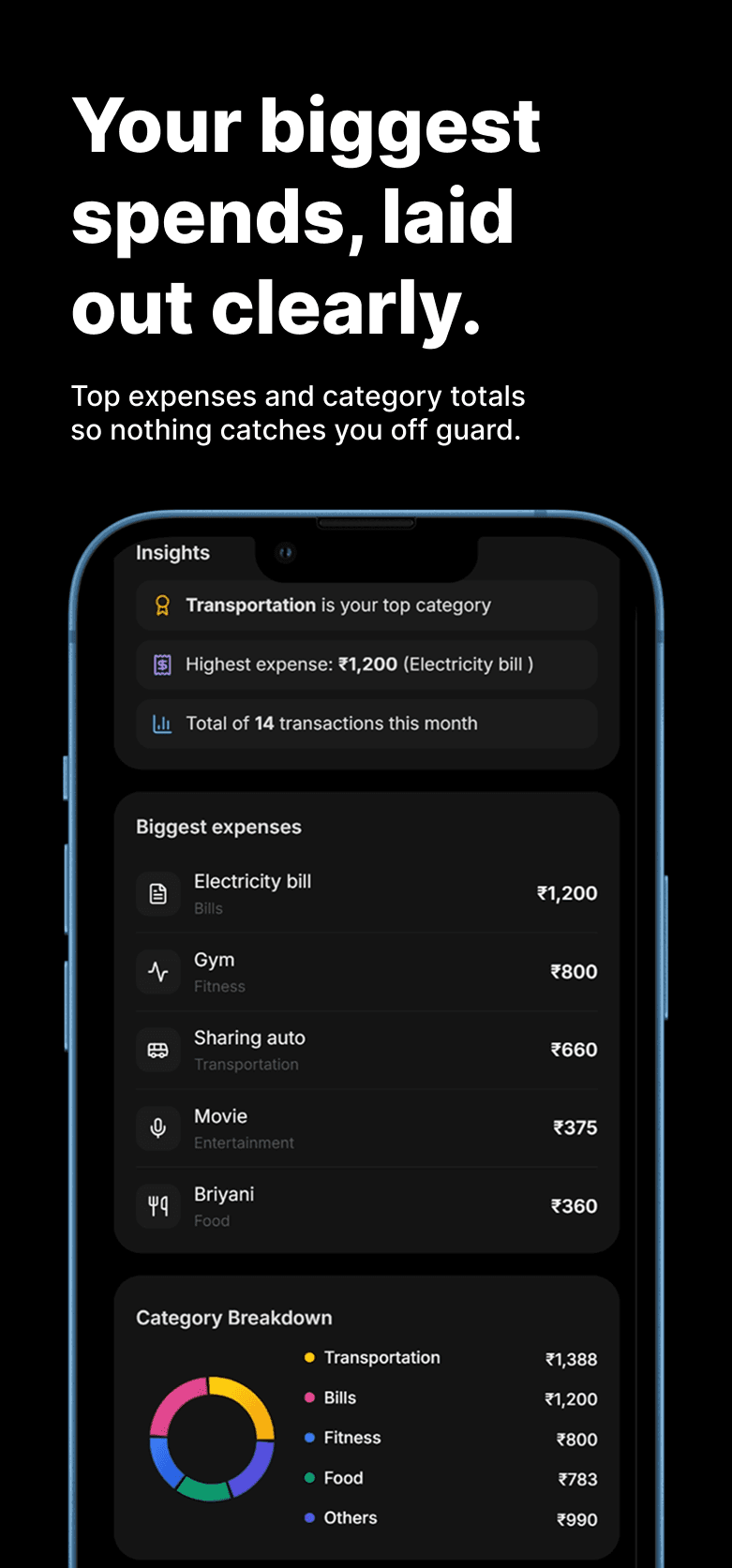
Outflow is an expense tracking Progressive Web App built to help students and everyday users log and manage daily expenses without the friction of notebooks or notes apps.
What role did you play in building Outflow?
I owned the project end to end: product decisions, UX and Figma design, frontend development, testing across devices, and deployment. There was no team to divide the work, so every trade-off, from the tech stack to what features to leave out, was mine to make and own.
What did building Outflow teach you about product decisions?
That a product starts with a real problem, not a technology choice. Every decision on Outflow, from choosing a PWA over a native app to cutting features competitors had, came down to what actually served the user under real constraints like time and a solo workload. That's the thinking I carry into project and product work now.
How did Outflow shape your path into project management?
Building Outflow alone meant I was managing scope, timeline, and priorities long before I had a project management title for it. Sequencing design before development, cutting features to hit a deadline, and coordinating testing before launch gave me a working sense of what project management actually involves, which is why I've since moved toward tech-first PM roles.
Conclusion: From a College Project to My First Product
Outflow wasn't just an expense tracking app. It was where I first experienced product thinking, UX decisions, technical constraints, testing, deployment, and real user feedback, all in one project. That experience shaped how I approach product and project work today.
Interested in how I approach technology, projects, products, and delivery? Explore my work or connect with me.
Author
I'm a Project Manager who manages multiple client website projects at once, coordinating clients, designers, and developers on each one. I write about technology, projects, design, products, and delivery.
Explore more about me